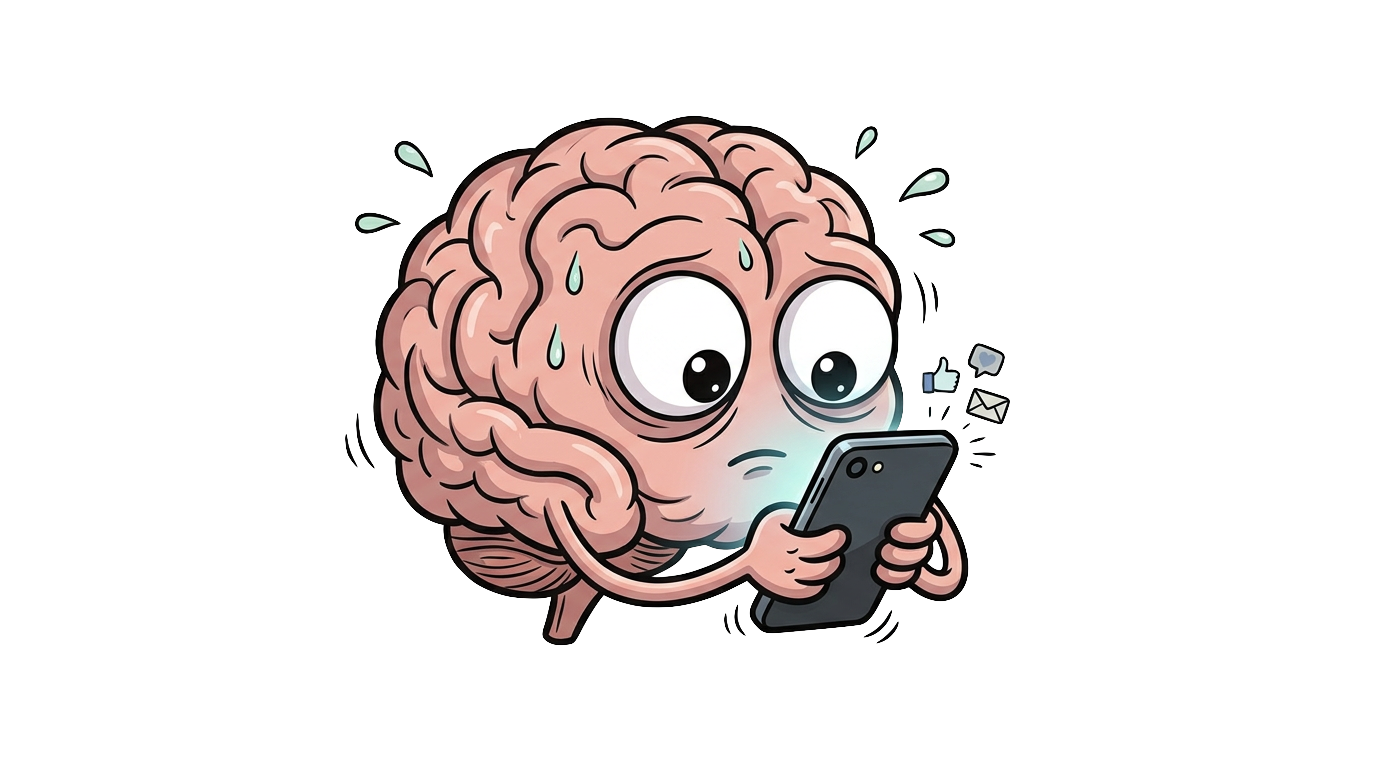
You open your phone to check one thing. Forty minutes later you are deep in a feed, slightly anxious, and not sure how you got there. That is doomscrolling, and stopping it takes more than deciding to stop.
Why the loop is so hard to break
Feeds pay out on a variable schedule. Most posts are noise, but occasionally one hits, and unpredictable rewards are exactly what trains the strongest habits. We covered the mechanism in detail in the dopamine loop post: your brain’s wanting system keeps pulling even when the liking stopped long ago. Add infinite scroll, which removes every natural stopping point, and you get a behavior that runs on autopilot. Your thumb moves before your intention gets a vote.
That is why advice like “just be more mindful” fails. The loop needs to be interrupted by something outside your head.
Step one: remove the invitations
Turn off notifications for every feed app. Move the apps off your first home screen. These are small changes, but they cut the number of sessions that start without you deciding anything. More ideas in this direction are in 7 ways to reduce screen time without deleting social media.
Step two: put a hard stop in the loop
Infinite scroll has no ending, so you need to install one. A daily time budget for your feed apps gives the session a wall. The catch is that the wall must be real. Apple’s built-in limits ask politely and offer an ignore button, and after a few days most people dismiss it on autopilot, exactly the way they scrolled on autopilot.
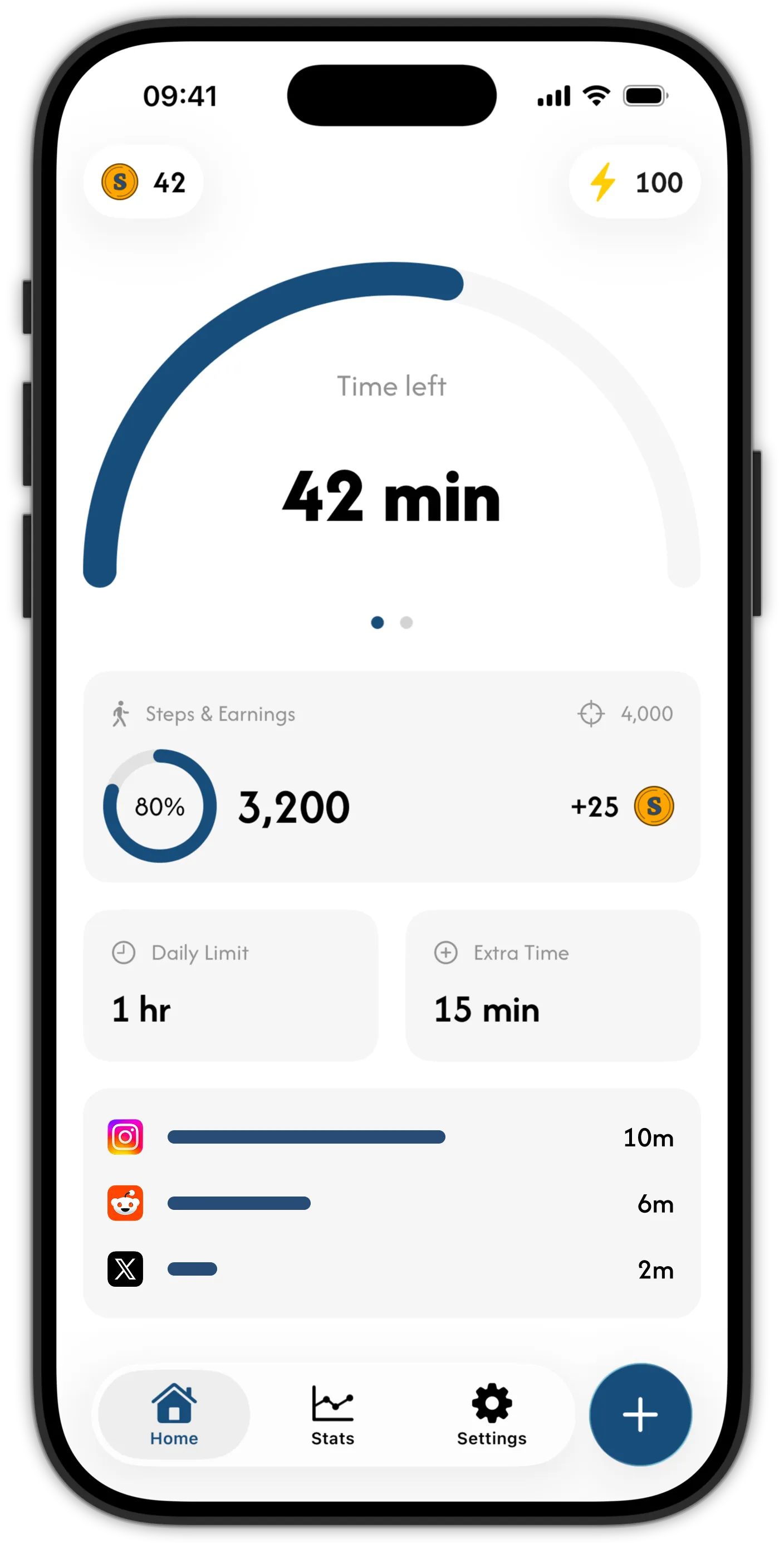
A blocker that enforces at the system level closes the feed and keeps it closed. That is what Skrid does: at your daily limit, the apps you chose are blocked through Apple’s Screen Time framework, and the only way to more minutes is spending coins you earned by walking.
Step three: give the urge somewhere to go
Doomscrolling is usually restlessness looking for an outlet. Blocking the feed without offering an alternative leaves you staring at a locked phone, and that is when people uninstall their blockers. This is why Skrid ties the two together: when the block lands, the way to earn more time is a walk. Every step earns coins, and coins buy minutes. The full mechanic is explained here.
In practice, the walk works as a circuit breaker. Ten minutes of moving is usually enough for the scrolling urge to fade, and the mood effects of even short walks are well documented. You come back with coins you often decide not to spend. The urge wanted motion, not content.
Step four: watch the trend, not the single day
You will still have bad days. What matters is the weekly average, and seeing it fall. Skrid’s stats show your steps, screen time, and how often you hit your goals, so the progress is visible without any journaling on your part.
A concrete anti-doomscrolling setup
- Get Skrid free on the App Store (iOS 26 or later).
- Block your feed apps: TikTok, Instagram, Reddit, X, YouTube, whichever pull you in. Add their websites too, so Safari does not become the loophole.
- Set a daily limit that covers your intentional use, not your autopilot use.
- Turn off notifications for those same apps.
- When the block lands tonight, take the walk and see how you feel afterwards.